AI Video with Sound: How Native Audio Works in 2026
Why some AI video models now return a soundtrack with the picture, what that sound can and cannot do, and how the four sound-on models here compare.

Until recently an AI video arrived silent, and the sound was a second job: find music, record effects, line them up by hand. The newest video models render the soundtrack in the same pass as the picture, so a hammer strike lands on the frame where the hammer hits. This post explains what "native sound" means in practice, where it is strong, where it is still weak, and how to choose between the four models on this site, all of which return audio with every clip.
What "native" sound means
A model with native sound is trained on video that came with its own audio. When it generates a clip it produces two streams together: the frames and an audio track that belongs to them. Nobody picks a sound effect from a library afterwards. Three things follow from that:
- Timing comes for free. Steps, splashes, door slams and hammer blows happen on the frame where you see them.
- The room is consistent. Rain on a tin roof sounds like rain on a tin roof, not generic rain, because the model "hears" the space it draws.
- You describe sound in the prompt. There is no separate audio prompt. You write the sounds into the same sentence as the scene.
The same idea is behind MAGI-2, which Sand AI describes as producing audio and video together. It is not available here yet (see our MAGI-2 page), but the four models below already work this way.
What the sound is good at
From the clips we have made with these models, native audio is reliable for:
- Ambience: rain, wind, surf, traffic, a busy kitchen, a quiet room with a ticking clock.
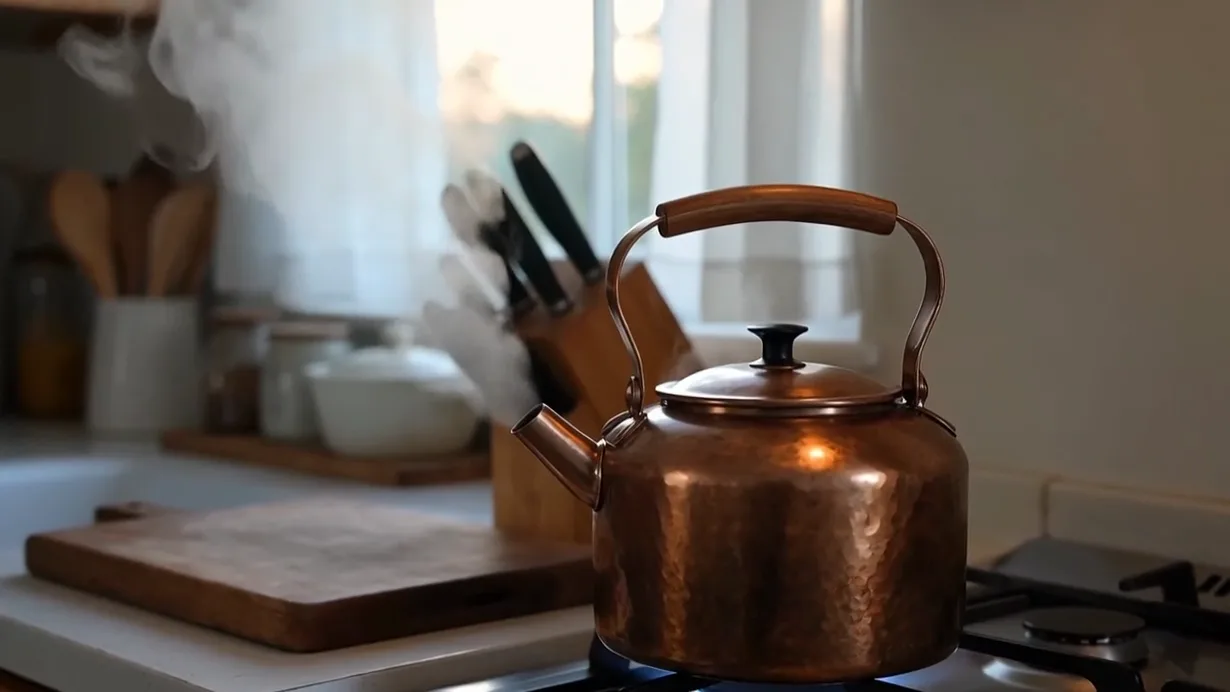
- Physical effects tied to the picture: footsteps, a kettle whistle, wheels on rails, sparks and hammer blows.
- Simple music cues: "a warm jazz piano begins" tends to produce a short, plausible bed of music.
It is weaker at long melodies, specific songs, exact lyrics and precise speech. If you need a particular track or a script read word for word, add it in an editor afterwards. You cannot upload an audio file here.
The four sound-on models
Every model on this site returns an MP4 with a soundtrack. They differ in length, resolution and price:
| Model | Lengths | Resolutions | Billing |
|---|---|---|---|
| Veo 3.1 Lite | 4, 6 or 8 s | 720p, 1080p | per clip |
| Kling 3.0 | 3, 5, 10 or 15 s | 720p, 1080p | per second |
| Seedance 2 | 4 to 15 s | 480p, 720p | per second |
| HappyHorse 1.1 | 3 to 15 s | 720p, 1080p | per second |
A 720p Veo 3.1 Lite clip costs 8 credits whatever its length, which makes it the cheapest way to test a prompt. Kling 3.0 at 720p is 6 credits per second, HappyHorse 1.1 at 720p is 7 per second and Seedance 2 at 480p is 5 per second. The generator shows the exact total before you press the button, and the full table is on the pricing page.
How to choose
- Testing an idea or a sound: Veo 3.1 Lite at 720p. One price per clip, up to 8 seconds.
- Longer shots: Kling 3.0 or HappyHorse 1.1, both up to 15 seconds and 1080p.
- Square-ish frames: Seedance 2 and HappyHorse 1.1 also do 4:3 and 3:4.
- Starting from a photo: all four take one start image. See image to video with sound.
A prompt that uses the sound
Here is the prompt behind one of the clips on our home page, made with sound on:
In a dim forge a heavy hammer strikes glowing orange steel on an anvil, sparks fly with every blow, ringing metallic clangs and the roar of the bellows, close-up on the anvil and gloved hands only.
It names the action, the place, the light and exactly two sounds, each with a visible source. That pattern, one shot and two or three sounds you can point at, is the most reliable we have found. Our guide to prompting sound goes through it step by step.
Try it
New accounts get 8 free credits after email verification, enough for one 720p Veo 3.1 Lite clip with sound. Credit packs start at $29.95 and never expire. Open the generator and listen to what comes back.
Try it in the generator
Write a scene with its sounds, pick a model and see the credit cost before you render.